Environment Setup
The application environments are used to define the physical workspace and gripper used during pick-and-place operations.
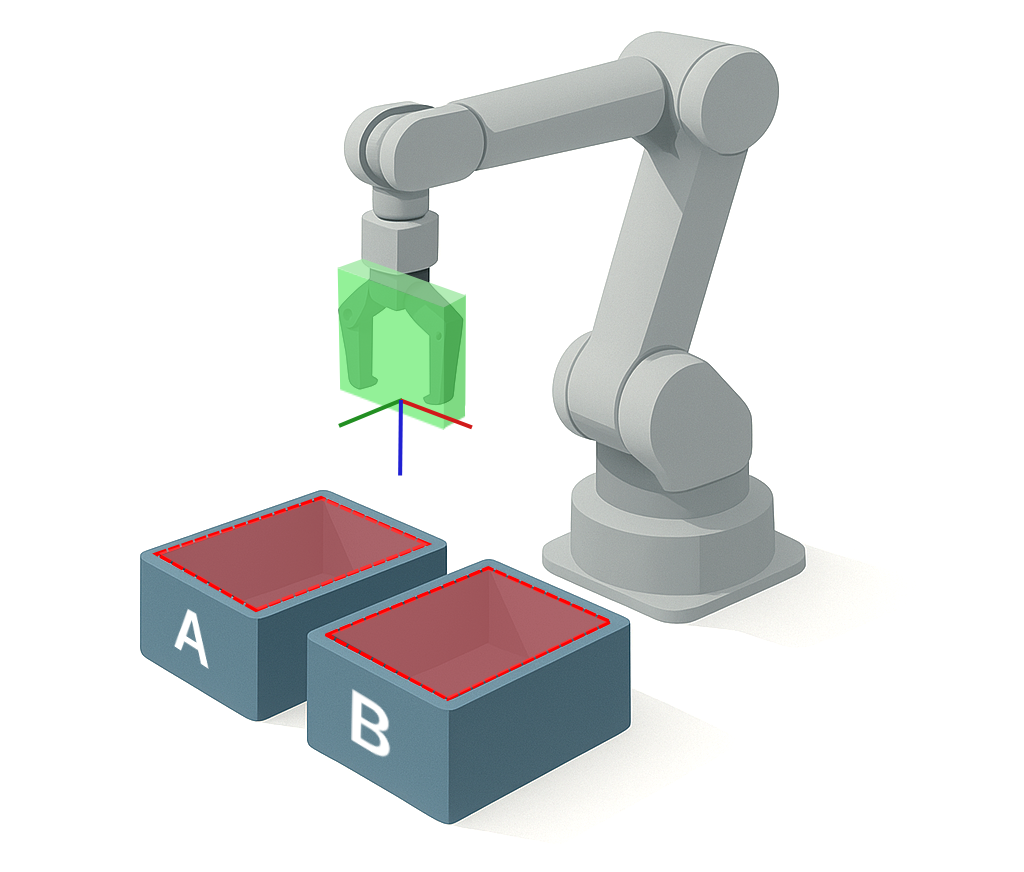
An environment is built from one or more containers and a tool collision box that describes your end-effector's operating envelope. While the container definition settings is optional, configuring it improves safety by preventing unintended contacts and allows to narrow the search area.
Be sure to select your active environment and tool collision box before creating or running any application.
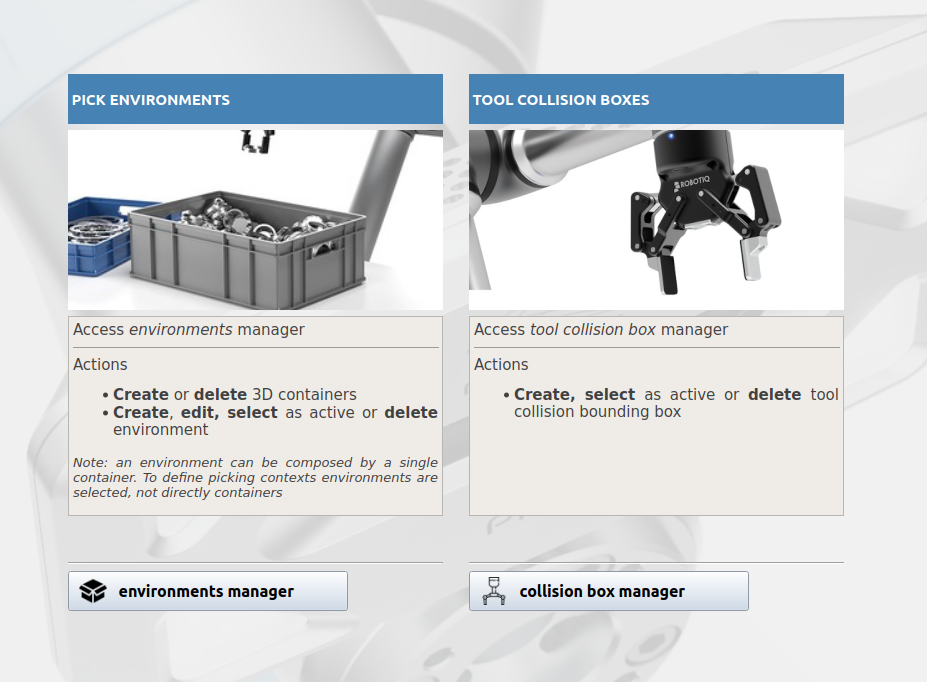
To access the application environment manager, open Pick[+] and click the Tool/Environment Manager button on the Homepage.
Note
It is possible to work with the default environment which is, essentially, an empty environment (i.e., without boxes).
-
Environment Containers
Define the pick containers to precisely limit the robot's search area and prevent collisions.
-
Tool Collision Box
Define a 3D box around your gripper to prevent collisions.